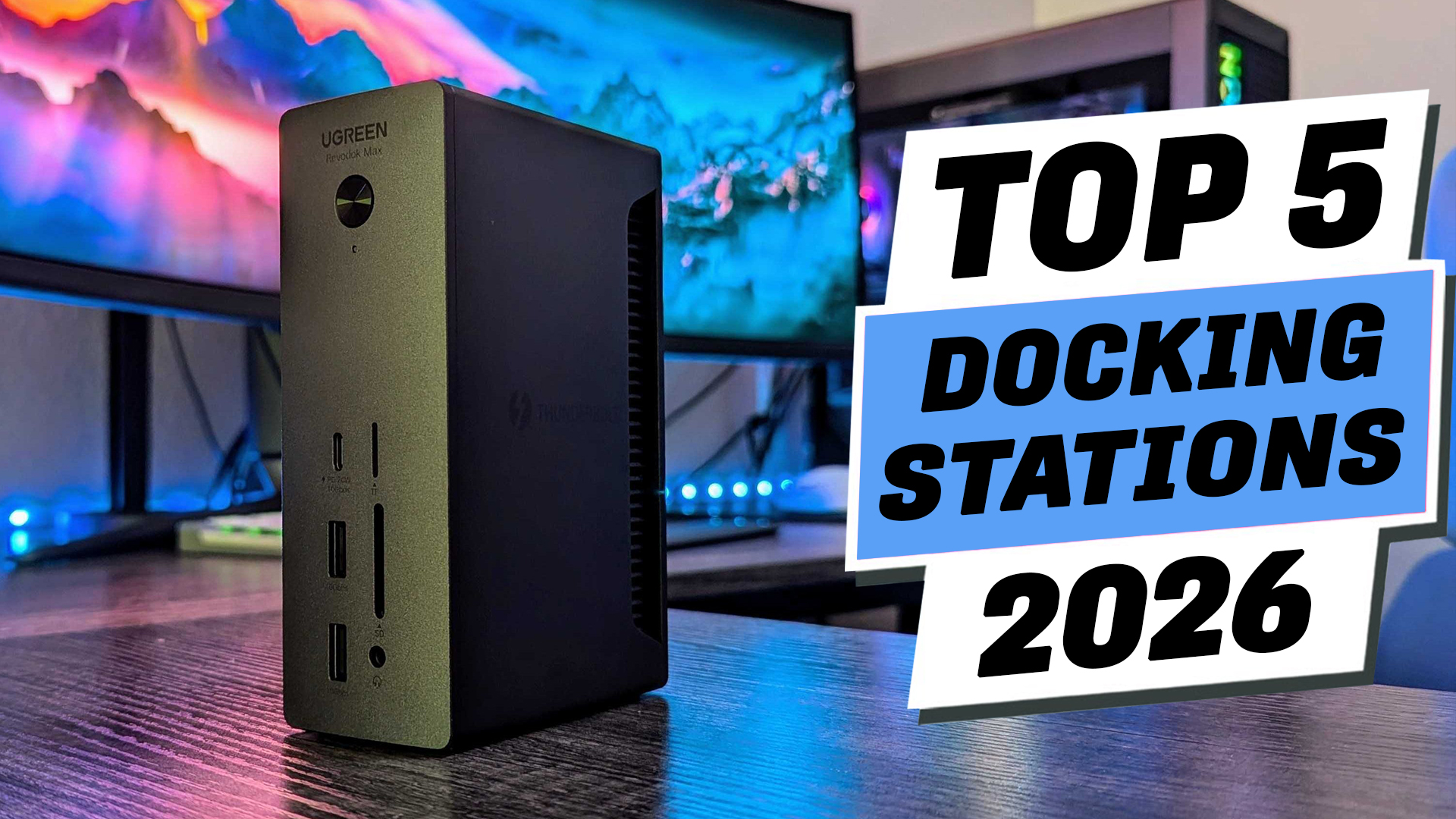

Looking for the best Thunderbolt 5 docking station in 2026? In this video, we’re breaking down the Top 5 Thunderbolt 5 docking stations for creators, gamers, remote workers, developers, and anyone building a high-performance workstation. Whether you need more ports, faster file transfers, support for multiple displays, or reliable laptop charging, this guide will help you choose the right dock for your setup.
We compare each docking station based on real-world performance, connectivity, power delivery, display support, storage expansion, and overall value. If you’re trying to find the best Thunderbolt 5 dock without wasting money, this comparison will help you make a confident buying decision.
If your workstation deserves more than a pile of cables and adapters, the right Thunderbolt 5 docking station can completely change the way you work. A good dock gives you faster file transfers, support for multiple displays, reliable charging, and all the ports you need through a single connection, making your desk cleaner and your workflow much more efficient. In this video, we’ll compare five of the best Thunderbolt 5 docking stations available in 2026 and help you understand which one is the best fit for your setup, whether you’re a content creator, gamer, developer, or remote professional. We’ll also cover the key things to consider before buying, including connectivity, display support, power delivery, and overall value. If you’d like to check the latest prices and full details, you’ll find the links in the description below. And if you enjoy honest buyer’s guides like this, be sure to like the video, leave a comment, and subscribe for more tech recommendations. Without further delay, let’s get started with the list.
Starting at number 5. Anker Prime TB5
If you’re upgrading to a Thunderbolt 5 laptop and want one dock that can handle almost everything, the Anker Prime TB5 is a great place to start. It gives you plenty of ports for monitors, external drives, and everyday accessories while keeping your desk much cleaner with a single cable connection. File transfers stay impressively fast, and the built-in power supply can charge a high-performance laptop while also powering other connected devices. It also does a good job managing heat, so it stays reliable during long editing sessions or busy workdays. The main downside is that the HDMI and DisplayPort outputs can’t be used at the same time, so you’ll need to use one of the Thunderbolt 5 ports if you’re setting up dual displays. It’s best for creators, developers, and professionals who want premium performance without unnecessary complexity. My verdict: It’s a dependable all-around Thunderbolt 5 dock that delivers excellent everyday performance with very few compromises.
At number 4. Kensington SD7100T5 EQ Pro
If you need more than just extra ports, the Kensington SD7100T5 EQ Pro brings something really useful to the table. Its built-in M.2 NVMe SSD slot lets you add high-speed storage directly to the dock, so you can keep large video projects, photo libraries, or work files close at hand without carrying a separate SSD enclosure. It also offers a wide selection of ports, making it easy to connect multiple displays, fast storage drives, memory cards, and wired networking through a single cable. This dock is best for content creators, photographers, video editors, and professionals who work with large files every day. The biggest downside is its large external power brick, and the aluminum body can get warm during heavy workloads. Even so, that’s a reasonable trade-off for everything it offers. My verdict: If you want premium connectivity with built-in storage expansion, this is one of the smartest Thunderbolt 5 docks you can buy.
At number 3. iVANKY FusionDock Max 2
If your entire setup is built around an Apple Silicon MacBook, the iVANKY FusionDock Max 2 is designed with you in mind. It offers an impressive selection of ports, making it easy to connect multiple displays, fast storage, memory cards, audio gear, and other accessories without cluttering your desk. One of its biggest strengths is native multi-display support through Thunderbolt 5, so you don’t have to rely on DisplayLink software. The front and rear port layout is also well thought out, keeping your everyday devices within easy reach. It’s the best choice for creative professionals, video editors, and developers who work exclusively on Apple Silicon Macs. The biggest downside is that the cooling fan runs all the time, so you may notice a little background noise in a quiet room. My verdict: If you’re fully invested in Apple’s ecosystem, this is one of the most complete Thunderbolt 5 docks available today.
At number 2. UGREEN Revodok Max
If you want one docking station that can replace almost every hub and adapter on your desk, the UGREEN Revodok Max is a fantastic choice. It combines a wide range of ports with a clean, compact design that helps keep your workspace organized. One feature that really stands out is the hidden M.2 NVMe SSD slot, giving you an easy way to add fast storage without carrying a separate enclosure. It’s a great fit for content creators, developers, photographers, and anyone who works with large files and multiple displays every day. The main downside is that there’s no built-in HDMI port, so some setups may require an extra adapter or a different connection. Still, if you value flexibility, storage expansion, and a clutter-free desk, it’s hard to beat. My verdict: This is one of the most versatile Thunderbolt 5 docks for building a powerful and organized workstation.
At number 1. CalDigit TS5 Plus
If you’re building a serious workstation and don’t want to compromise, the CalDigit TS5 Plus is the dock that stands out. It handles demanding workflows with ease, whether you’re editing large video projects, working with multiple high-speed SSDs, writing code, or running several displays at once. One of its biggest strengths is that it maintains excellent performance even when several devices are connected, so you don’t have to worry about your workflow slowing down. It also delivers plenty of power for high-performance laptops while keeping everything connected through a single cable. Another bonus is its completely silent design, thanks to passive cooling with no internal fan. The biggest downside is the premium price, which may be more than casual users need. My verdict: If you want one of the most capable and future-ready Thunderbolt 5 docking stations available, the TS5 Plus is an outstanding long-term investment.