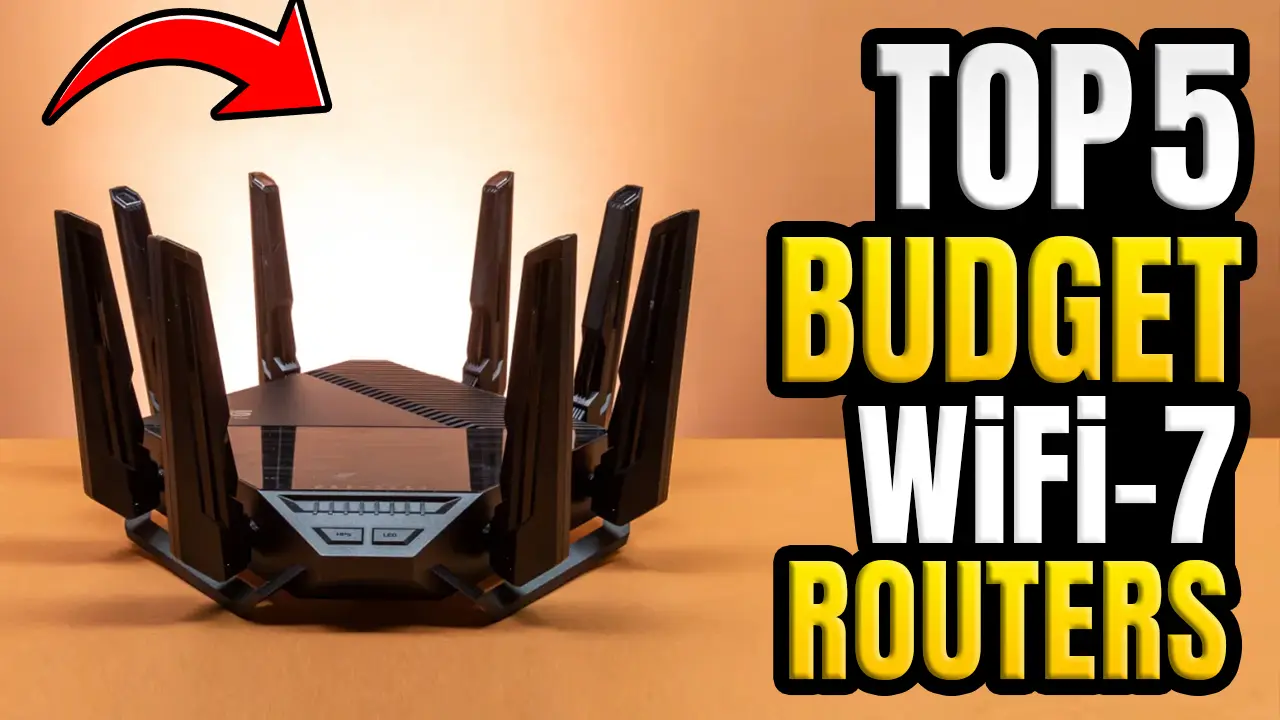
5 Best Wi-Fi 7 Routers for Home 2026 [Honest Buyer’s Guide]
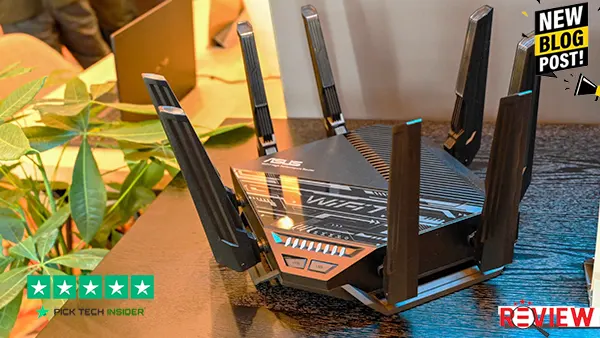
If your current Wi-Fi setup struggles with busy networks, weak coverage, or too many connected devices, the right upgrade can make your home connection much smoother. In this article, we’ll look at 5 of the Best Wi-Fi 7 Routers for Home 2026 and what makes each one useful for different types of homes.
We’ll consider coverage, speed, device capacity, gaming, streaming, and smart-home use, so you can better understand which option fits your needs. Whether you have a large home, a busy family network, or simply want faster and more reliable Wi-Fi, there’s an option here to consider.
Check the links in the product view at amazon for the latest prices and full details. And if you find this guide helpful, feel free to like, comment for more buying guides. Without further delay, let’s get started with the list.
Table of Contents
5. ASUS ZenWiFi BQ16 Pro.
If you have a large home with lots of phones, TVs, smart devices, and other connected gear, the ASUS ZenWiFi BQ16 Pro is designed to keep everything connected across a wide area. Its quad-band Wi-Fi 7 setup and mesh design are built for strong coverage, with ASUS rating a two-pack for up to 8,000 square feet. In real-world testing, reviewers found its range and speeds impressive, even with several devices using the network at the same time.
This is best for large homes, busy families, and smart homes where weak spots and network congestion are a regular problem. The system also gives you useful features like parental controls, security tools, and the option to expand the mesh later.
The honest downside is the price. This is a premium system, and its level of performance can be more than a smaller home actually needs.
Overall, the BQ16 Pro makes the most sense when wide coverage and strong Wi-Fi 7 performance are more important than keeping the budget low.
4. eero Max 7.
If you want fast, dependable Wi-Fi without spending time adjusting complicated router settings, the eero Max 7 is a very user-friendly option. It’s designed for busy homes with lots of connected devices, and its mesh system helps keep coverage consistent as you move from room to room. Each unit can cover up to 2,500 square feet, while support for 250 or more devices makes it a good fit for smart homes, gaming, streaming, and everyday family use. It also works as a smart-home hub with Matter, Thread, and Zigbee support.
This one is best for people who want strong Wi-Fi and simple setup, especially in a home with lots of phones, TVs, smart devices, and computers. The app handles most of the network management, so you don’t have to be a networking expert.
The honest downside is the price. It’s a premium system, and some advanced security and parental-control features require an optional subscription.
Overall, the Max 7 is a great fit if you value simple management, strong coverage, and plenty of room for connected devices.
3. TP-Link Deco BE63.
If you have a busy home where several people are gaming, streaming, working, and using smart devices at the same time, the TP-Link Deco BE63 is a very practical choice. Its tri-band Wi-Fi 7 system uses the 6 GHz band to help deliver fast, consistent connections, and the mesh setup is designed to keep coverage smooth as you move around the house. TP-Link rates the system for up to 200 connected devices, while real testing found particularly strong 5 GHz and 6 GHz performance.
This one is best for families and multi-room homes that want fast Wi-Fi without jumping straight to the most expensive systems. The Deco app also makes setup and everyday network management straightforward.
The honest downside is 2.4 GHz performance, which reviewers found weaker than some competing systems. Also, most settings are managed through the mobile app.
Overall, the Deco BE63 is a strong all-around pick when you want fast whole-home Wi-Fi 7 without going overboard.
2. NETGEAR Nighthawk RS700S.
If you have a busy home where gaming, 4K streaming, video calls, and smart devices are all happening at once, the NETGEAR Nighthawk RS700S is built to handle that kind of workload. It offers Wi-Fi 7 speeds up to 19Gbps, coverage up to 3,500 square feet, and a 10Gbps internet port, giving you plenty of room for fast fiber and multi-gig connections. In real-world testing, it handled several devices streaming and transferring data at the same time without noticeable glitches, while long-range performance was also impressive.
This is best for gamers, streamers, and households with lots of connected devices. The setup is also straightforward, so you don’t need to be a networking expert to get started.
The honest downside is the price. It’s a premium router, and many everyday users simply won’t need this level of performance.
Overall, the RS700S makes sense when you want fast, stable Wi-Fi and enough headroom for a demanding home network.
1. ASUS ROG Rapture GT-BE98 Pro.
If gaming performance and a responsive home network are your top priorities, the ASUS ROG Rapture GT-BE98 Pro is built for that kind of setup. It combines quad-band Wi-Fi 7 with dual 6GHz bands, plenty of wired connections, and gaming-focused features designed to help prioritize game traffic. In testing, its 6GHz performance stayed strong even when the network was busy with multiple 4K streams and a large game download.
This is best for serious gamers, households with demanding networks, and users who already have fast Wi-Fi 7 devices. ASUS also includes features like Game Boost, AiMesh, parental controls, and security tools, giving you plenty of control over the network.
The honest downside is the price and size. It’s a large, premium router, and many everyday users simply won’t need this much performance.
Overall, if low-latency gaming and high-end network performance are what matter most, the GT-BE98 Pro is a serious choice.
How to Choose the Right Best Wi-Fi 7 Routers for Home
Choosing the right Budget Wi-Fi 7 router is about more than simply picking the model with the biggest speed number on the box. Start by looking at your internet plan, home size, number of connected devices, and how you actually use Wi-Fi.
1. Match the Router to Your Internet Speed
Before buying, check your current internet plan. If you have a basic connection, an expensive high-end Wi-Fi 7 router may not provide much practical benefit. For multi-gigabit fiber connections, look for 2.5Gbps or 10Gbps Ethernet ports so the router doesn’t become a bottleneck.
Also remember that advertised Wi-Fi speeds are theoretical. Your actual speed depends on your device, distance from the router, walls, interference, and network traffic.
2. Check for 6GHz, 320MHz, and MLO Support
If you’re buying Wi-Fi 7, pay attention to the features behind the Wi-Fi 7 label. 6GHz support, 320MHz channels, and Multi-Link Operation (MLO) can make a bigger difference than simply choosing the highest advertised Mbps number.
MLO allows compatible devices to use multiple wireless links, which can improve throughput, latency, and connection reliability. However, your phone, laptop, or other client device also needs to support the relevant Wi-Fi 7 features to take full advantage of them.
3. Choose Between a Single Router and Mesh
Your home’s layout should play a major role in your decision. A well-positioned single router can work very well in a smaller or medium-sized home. But if you have multiple floors, thick walls, or dead zones, a Wi-Fi 7 mesh system may be a better fit.
Mesh systems use multiple units to spread coverage throughout the home, while a single powerful router keeps things simpler and usually costs less.
4. Think About Your Real-Life Usage
Finally, choose based on what you actually do online. Gamers should pay attention to latency and wired multi-gig connectivity. Busy families may benefit from stronger multi-device performance. Streamers and large households can benefit from faster multi-band connections, while smart-home users should check compatibility with their existing devices.
And don’t forget that not every Wi-Fi 7 router includes the same features. Some models don’t even include 6GHz, despite carrying the Wi-Fi 7 label, so checking the detailed specifications before buying is important.
Bottom line: Don’t buy a Wi-Fi 7 router based only on its advertised speed. Match the router to your internet plan, home size, devices, coverage needs, and everyday usage. That will usually lead to a better-value purchase.
Final Verdict
Choosing the right Wi-Fi 7 router really comes down to your home, your internet plan, and how many devices you use every day. For larger homes and busy networks, a powerful mesh system can help provide more consistent coverage, while a high-end gaming router makes more sense if low latency and gaming performance are your main priorities.
The ASUS ZenWiFi BQ16 Pro is a strong option for large homes that need wide coverage and plenty of bandwidth. The eero Max 7 is a good fit if you want a simpler mesh experience and easy network management. The TP-Link Deco BE63 offers a balanced approach for busy households, while the NETGEAR Nighthawk RS700S is aimed at users who want high-speed performance and multi-gig connectivity.
And for serious gamers or demanding home networks, the ASUS ROG Rapture GT-BE98 Pro brings a more advanced feature set and gaming-focused controls.
Before you buy, consider your internet speed, home size, connected devices, Wi-Fi 7 compatibility, wired ports, and whether you actually need premium-level performance. The most expensive router isn’t automatically the right choice for every home.
Take a look at the latest prices and specifications before making your final decision, and choose the model that best matches the way you actually use your network.
Frequently Asked Questions About Wi-Fi 7 Routers
Is Wi-Fi 7 compatible with older devices?
Yes. Wi-Fi 7 routers can work with older Wi-Fi devices, including Wi-Fi 6 and Wi-Fi 5 devices. However, older devices will not receive the full benefits of Wi-Fi 7 features. To take advantage of features such as 6GHz and MLO, the connected device also needs compatible hardware.
Do I need a Wi-Fi 7 phone or laptop to use a Wi-Fi 7 router?
No. Your existing devices can still connect normally. However, Wi-Fi 7-compatible phones, laptops, and other devices are needed to take advantage of newer Wi-Fi 7 features and performance. MLO benefits in particular depend on both the router and client device supporting it.
What is MLO on a Wi-Fi 7 router?
MLO stands for Multi-Link Operation. It allows compatible Wi-Fi 7 devices to use multiple wireless links or bands, which can improve throughput, reduce latency, and make the connection more reliable. The actual benefit depends on how well the connected device supports MLO.
Is a Wi-Fi 7 router worth it if I have a 1Gbps internet plan?
It can still be useful, especially if you have many devices sharing the network or want to prepare for newer Wi-Fi 7 devices. However, a Wi-Fi 7 router will not automatically make a 1Gbps internet connection faster than the service you pay for. Its benefits can also apply to your local network, such as communication between devices in your home.
Do all Wi-Fi 7 routers support 320MHz channels and 6GHz?
No. Wi-Fi 7 includes support for advanced features such as 320MHz channels, but the exact features can vary between router models and regions. The 320MHz channel width is associated with the 6GHz band, and regional regulations can affect availability. Always check the specific router’s specifications before buying.

Hridoy Taqi
CEO & Founder at HridoyTaqi
Hridoy is a strategic problem solver who drives growth and revenue through innovative SEO and digital marketing strategies. With over 2 years of experience…..