Best Budget WiFi 7 Routers of 2026 – Top 5 Picks
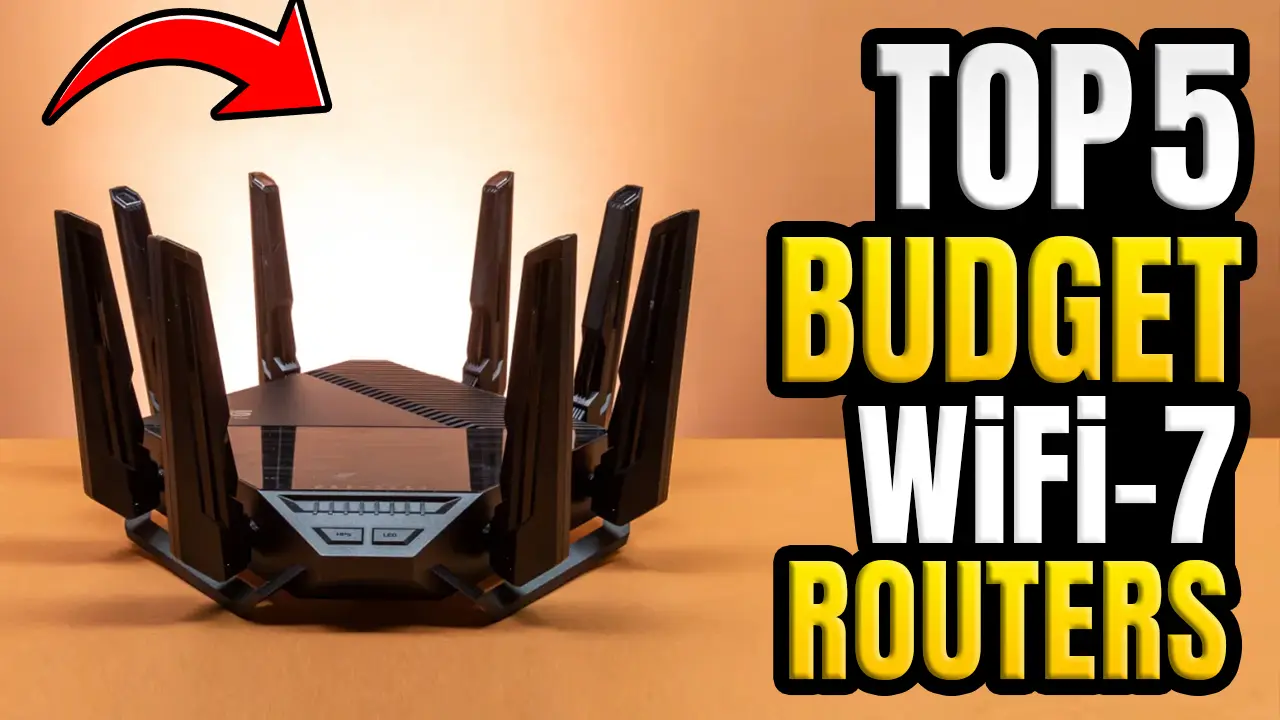
What’s up, guys? Today, we’re taking a look at the Best Budget WiFi 7 Routers for Every Scenario in 2026. If you’re planning to upgrade your home network without overspending, this guide is for you. We’ve researched and compared the WI-FI 7 ROUTERS, including the best affordable WiFi 7 router for home, the best WiFi 7 router for gaming, the best WiFi 7 router for streaming, the best WiFi 7 router for apartments, the router for large homes, the router for small businesses, and even the modem router combo if you want to replace your ISP equipment.
Wi-Fi 7 is becoming much more affordable, which means you no longer have to spend premium prices to enjoy faster wireless speeds, lower latency, better coverage, and improved performance with multiple connected devices. Whether you’re working from home, gaming online, streaming 4K or 8K content, creating content, or simply want a more reliable internet connection, choosing the right router can make a huge difference.
In this countdown, we’ll break down our five favorite picks based on real-world value, daily performance, features, ease of use, and overall buyer appeal. We’ll also explain who each router is best for, where it falls short, and whether it’s actually worth buying today. By the end of this blog post, you’ll have a much clearer idea of which budget WiFi 7 router fits your needs, whether your priority is speed, coverage, gaming, business use, or getting the most value for your money. Alright, let’s get started.
Table of Contents
5. eero 7
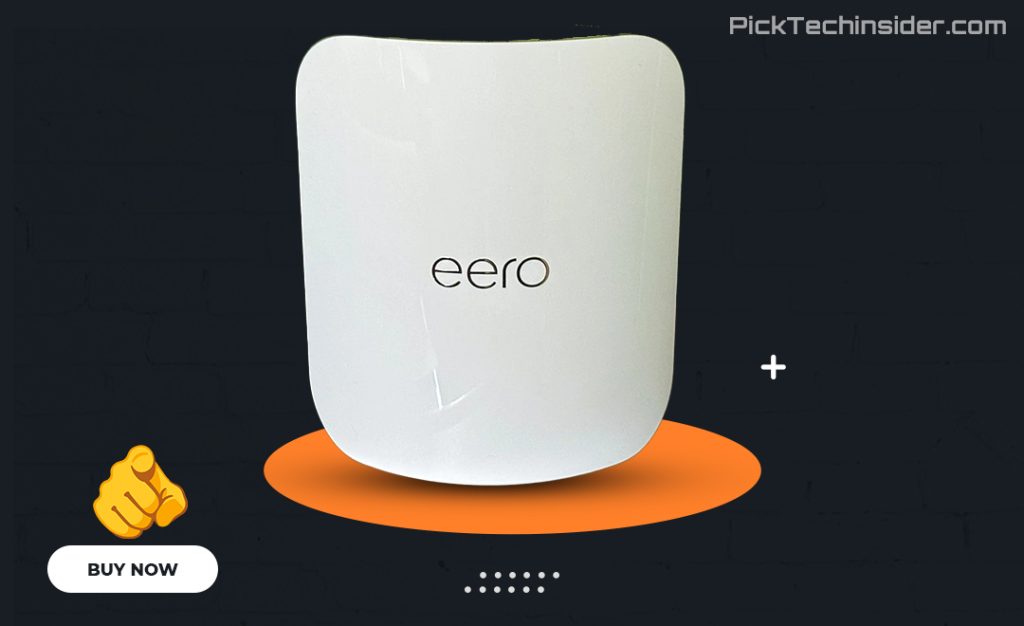
If you’re looking for the most affordable way to step into Wi-Fi 7, the eero 7 is a really easy router to recommend. It’s designed for people who want a simple, reliable setup without spending a fortune. The app walks you through installation in just a few minutes, and if your home has Wi-Fi dead zones, you can easily add more eero units later to create a mesh network. It also works well with Alexa and Google Home, making it a solid choice for smart homes.
Even though it’s a dual-band router, it still brings Wi-Fi 7 improvements like better efficiency and lower latency, making everyday tasks like streaming, video calls, and online gaming feel smoother than many older Wi-Fi 6 routers.
Pros:
- Very affordable entry into Wi-Fi 7
- Extremely easy setup and user-friendly app
- Expandable mesh system for larger homes
- Great for streaming, remote work, and smart home devices
Cons:
- No 6 GHz band, so you won’t get the fastest Wi-Fi 7 performance, and some advanced features require an optional subscription.
My verdict: If you want dependable Wi-Fi 7 on a budget and value simplicity over chasing maximum speed, the eero 7 is an excellent place to start.
4. TP-Link Archer GE650
If gaming is one of the main reasons you’re upgrading your network, the TP-Link Archer GE650 is a fantastic value. It delivers the core Wi-Fi 7 features you’d expect, but adds gaming-focused tools that help keep your connection responsive during online matches. It even includes a dedicated gaming dashboard, traffic prioritization, and customizable RGB lighting if you like that gaming look. In real-world use, it isn’t just for gamers—it also handles 4K streaming, large game downloads, and busy households with ease. Setup is quick through the TP-Link Tether app, and reviewers have praised it for delivering premium-level performance at a much lower price than many flagship gaming routers.
Pros:
- Excellent value for gamers who want Wi-Fi 7
- Smooth online gaming with low-latency gaming features
- Easy setup and simple management through the TP-Link app
- Plenty of fast wired ports for gaming PCs and consoles
Cons:
- The gaming design and RGB lighting won’t appeal to everyone, and its wireless range isn’t as strong as some larger premium routers.
My verdict: If you want a fast, reliable Wi-Fi 7 gaming router without paying flagship prices, the Archer GE650 is one of the easiest recommendations in its class.
3. ARRIS SURFboard G54
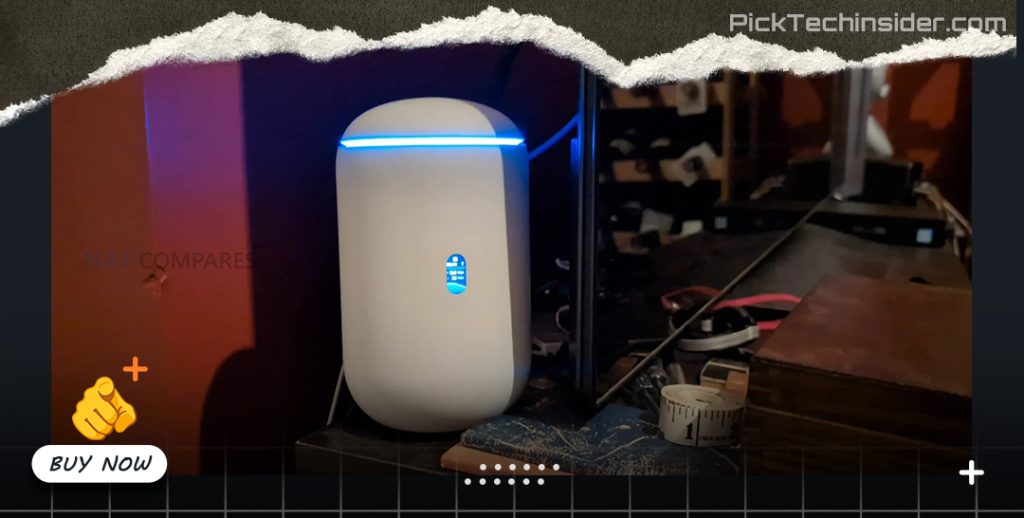
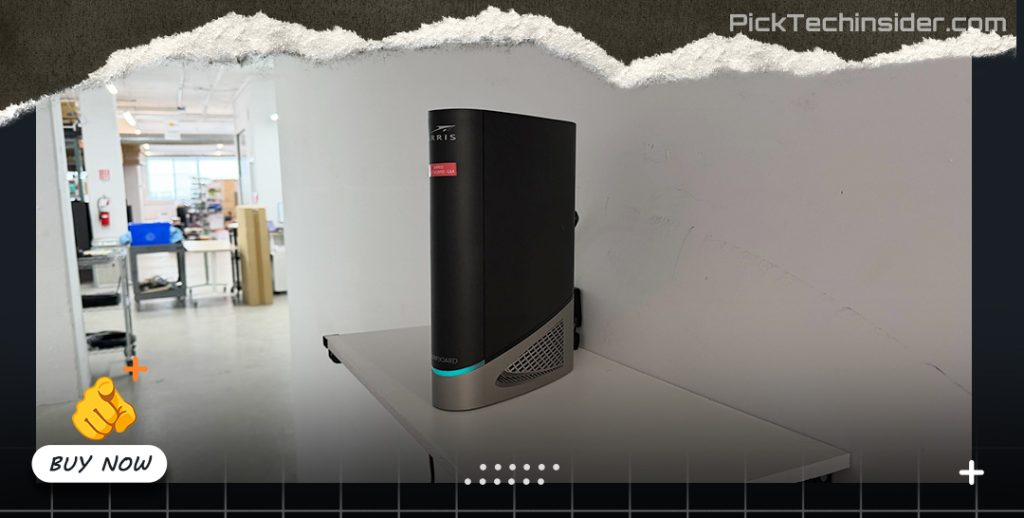
If you’re tired of paying your internet provider every month to rent a modem, the ARRIS SURFboard G54 is definitely worth a look. It’s a modem and Wi-Fi 7 router in one, so you only need a single device to get your home network up and running. That makes setup cleaner, saves space, and can help you recover the upfront cost over time by eliminating monthly modem rental fees from compatible cable ISPs. In everyday use, it’s a great fit for families that stream, game, work from home, and connect lots of devices at once. It also delivers excellent Wi-Fi performance for a single-unit setup, especially if you have a fast cable internet plan.
Pros:
- Combines a cable modem and Wi-Fi 7 router in one device
- Can save money by replacing your ISP’s rental modem
- Excellent wireless performance for modern cable internet plans
- Great for homes that want a simple, all-in-one setup
Cons:
- It only works with compatible cable internet providers—not fiber—and it doesn’t support mesh expansion if you need to cover a much larger home.
My verdict: If you have cable internet and want one clean device that can simplify your setup while saving money over time, the SURFboard G54 is one of the smartest long-term upgrades you can make.
2. UniFi Dream Router 7
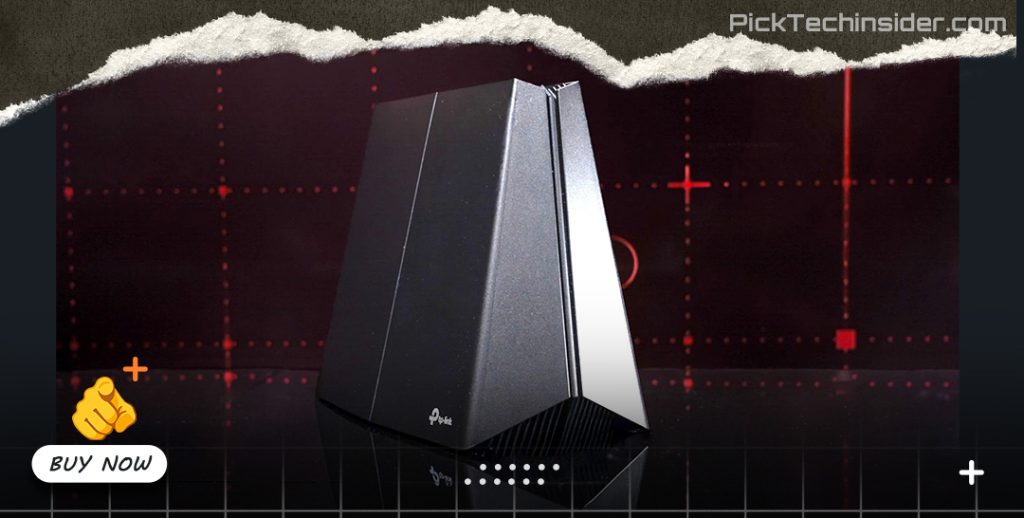
If you’re running a small business, home office, café, or even a serious smart home, the UniFi Dream Router 7 is one of the best values in Wi-Fi 7 right now. What makes it different is that it’s more than just a router. It gives you powerful network management tools that let you monitor devices, create guest Wi-Fi, manage security, and even expand your network later with UniFi switches, access points, or cameras.
That’s why it’s so popular with small businesses and tech enthusiasts. The setup is straightforward, but the real advantage is how much room you have to grow without replacing your entire system. It delivers reliable performance today while giving you a clear upgrade path for the future.
Pros:
- Excellent for small businesses, home offices, and advanced home networks
- Powerful UniFi software with detailed network management
- Easy to expand with UniFi access points, switches, and security cameras
- Great long-term value if you plan to grow your network
Cons:
- Many of its best features take time to learn, so it’s more than most casual home users need.
My verdict: If you want a Wi-Fi 7 router that can grow with your home or business, the UniFi Dream Router 7 is one of the smartest investments you can make.
1. TP-Link Archer BE600
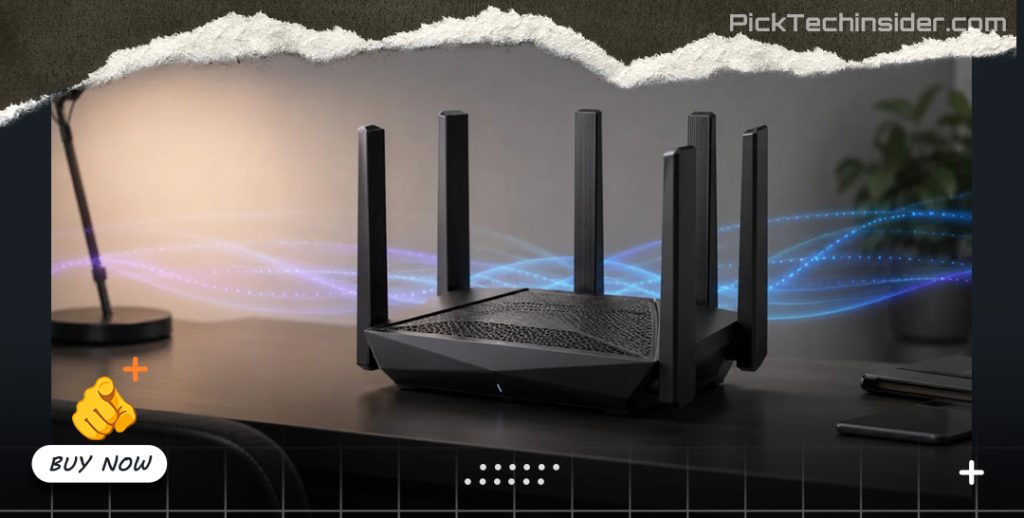
Taking the top spot is the TP-Link Archer BE600, and for most people, it’s simply the best balance of price, performance, and future-ready features. It gives you everything you really want from a modern Wi-Fi 7 router without pushing you into flagship pricing. In everyday use, it handles busy homes with ease, whether you’re streaming 4K movies, gaming online, working from home, or connecting dozens of smart devices at the same time.
Setup through the TP-Link Tether app is quick and beginner-friendly, and once it’s running, you rarely have to think about it again. It also includes fast multi-gig Ethernet ports, making it a great choice if you already have—or plan to upgrade to—multi-gig internet. Reviewers have consistently praised the BE600 for delivering excellent real-world Wi-Fi 7 performance at a budget-friendly price, making it one of the strongest values in its class.
Pros:
- Outstanding value for money with full tri-band Wi-Fi 7
- Fast, stable performance for gaming, streaming, and remote work
- Easy setup and simple management with the TP-Link Tether app
- Multi-gig Ethernet ports help keep it ready for future internet upgrades
- Great coverage for medium to large homes with plenty of connected devices
Cons:
- Some advanced security features and parental controls require a TP-Link HomeShield subscription, and the router is larger than many entry-level models.
My verdict: If you’re buying just one budget Wi-Fi 7 router in 2026, the TP-Link Archer BE600 is the one I’d recommend to most people because it delivers the best mix of performance, features, ease of use, and long-term value without overspending.
That wraps up our list of the Best Budget Routers (For Every Scenario) in 2026. We hope this guide helped you find the right router for your home, gaming setup, office, or everyday internet needs.
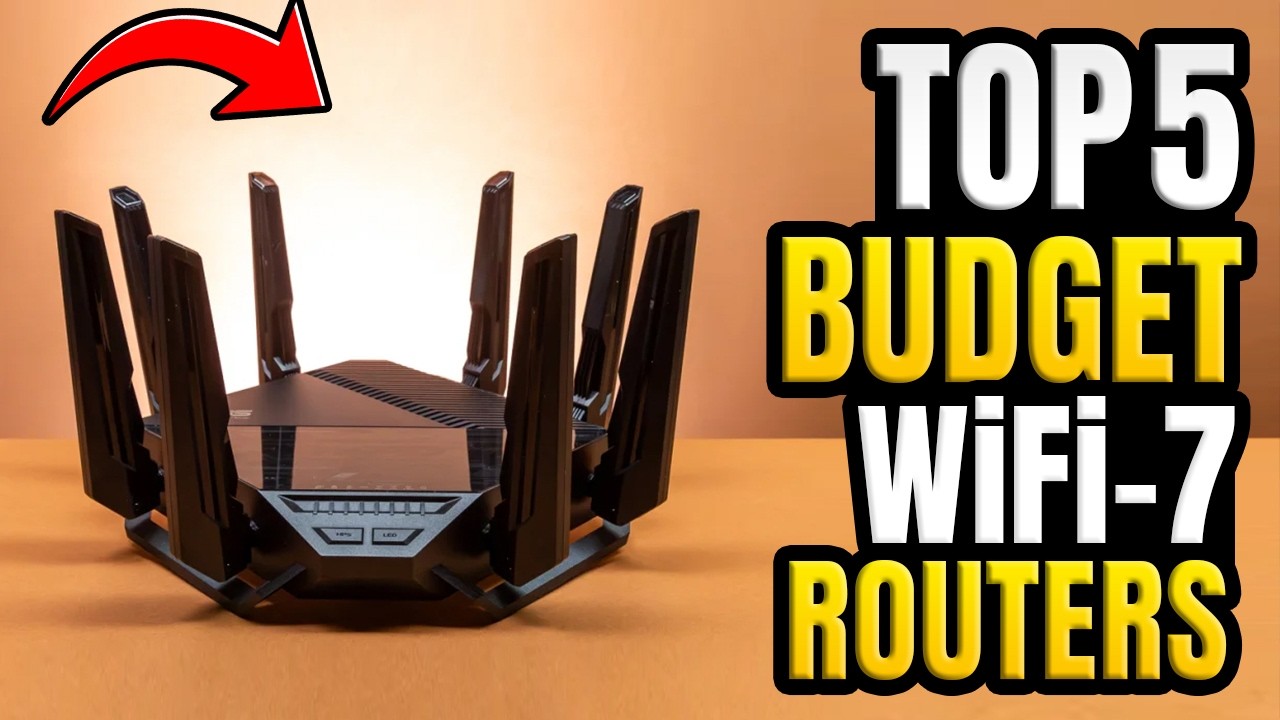
If you’re looking for the best overall value, our top pick is the TP-Link Archer BE600 thanks to its excellent balance of performance, features, and price. If you’re a gamer, the TP-Link Archer GE650 is a great choice with gaming-focused features and low-latency performance. For small businesses and advanced users, the UniFi Dream Router 7 offers outstanding network management and room to grow. If you want to replace your ISP modem and save on rental fees, the ARRIS SURFboard G54 is a smart all-in-one solution. And if you’re simply looking for the most affordable way to upgrade to WiFi 7, the eero 7 is an easy recommendation.
Thanks for watching! If you found this blog post helpful, don’t forget to like, subscribe, and let us know in the comments which router you’re planning to buy or if you’ve already upgraded to WiFi 7. As always, you’ll find links to all of these routers. so you can check today’s latest prices and learn more before making your decision.
FAQ
Is a budget WiFi 7 router worth buying in 2026?
Yes. A budget WiFi 7 router is a smart investment if you’re replacing an older WiFi 5 or WiFi 6 router. Even affordable WiFi 7 models offer better efficiency, lower latency, improved performance with multiple connected devices, and support for newer WiFi 7 features. If you own WiFi 7-compatible phones, laptops, or gaming devices, you’ll notice the biggest improvements, but older WiFi devices will also work because WiFi 7 is backward compatible.
Do I need a tri-band WiFi 7 router, or is a dual-band model enough?
It depends on your needs. A tri-band WiFi 7 router includes the 6 GHz band, which delivers faster speeds, lower interference, and better performance for compatible devices. A dual-band WiFi 7 router is usually more affordable and works well for everyday browsing, streaming, and remote work. If you plan to keep your router for several years or have multiple high-performance devices, a tri-band model is the better long-term choice.
Will a WiFi 7 router work with my existing phones, laptops, and smart home devices?
Absolutely. WiFi 7 routers are backward compatible with older WiFi standards, including WiFi 6E, WiFi 6, WiFi 5, and earlier generations. Your current devices will connect normally, while newer WiFi 7 devices can take advantage of faster speeds, lower latency, and advanced features like Multi-Link Operation (MLO) when supported.
How do I choose the best budget WiFi 7 router?
Start by considering your internet speed, home size, and how you use your network. For apartments or small homes, a dual-band WiFi 7 router may be all you need. Larger homes often benefit from a tri-band or mesh WiFi 7 system for better coverage. Gamers should look for low-latency features and multi-gig Ethernet ports, while remote workers and families should prioritize reliable coverage, easy setup, and strong performance with many connected devices. Choosing a router that matches your internet plan and future upgrade needs will give you the best long-term value.

Hridoy Taqi
CEO & Founder at HridoyTaqi
Hridoy is a strategic problem solver who drives growth and revenue through innovative SEO and digital marketing strategies. With over 2 years of experience…..