5 Best Gaming Laptops Under $1000 in 2026 — Which One Wins?
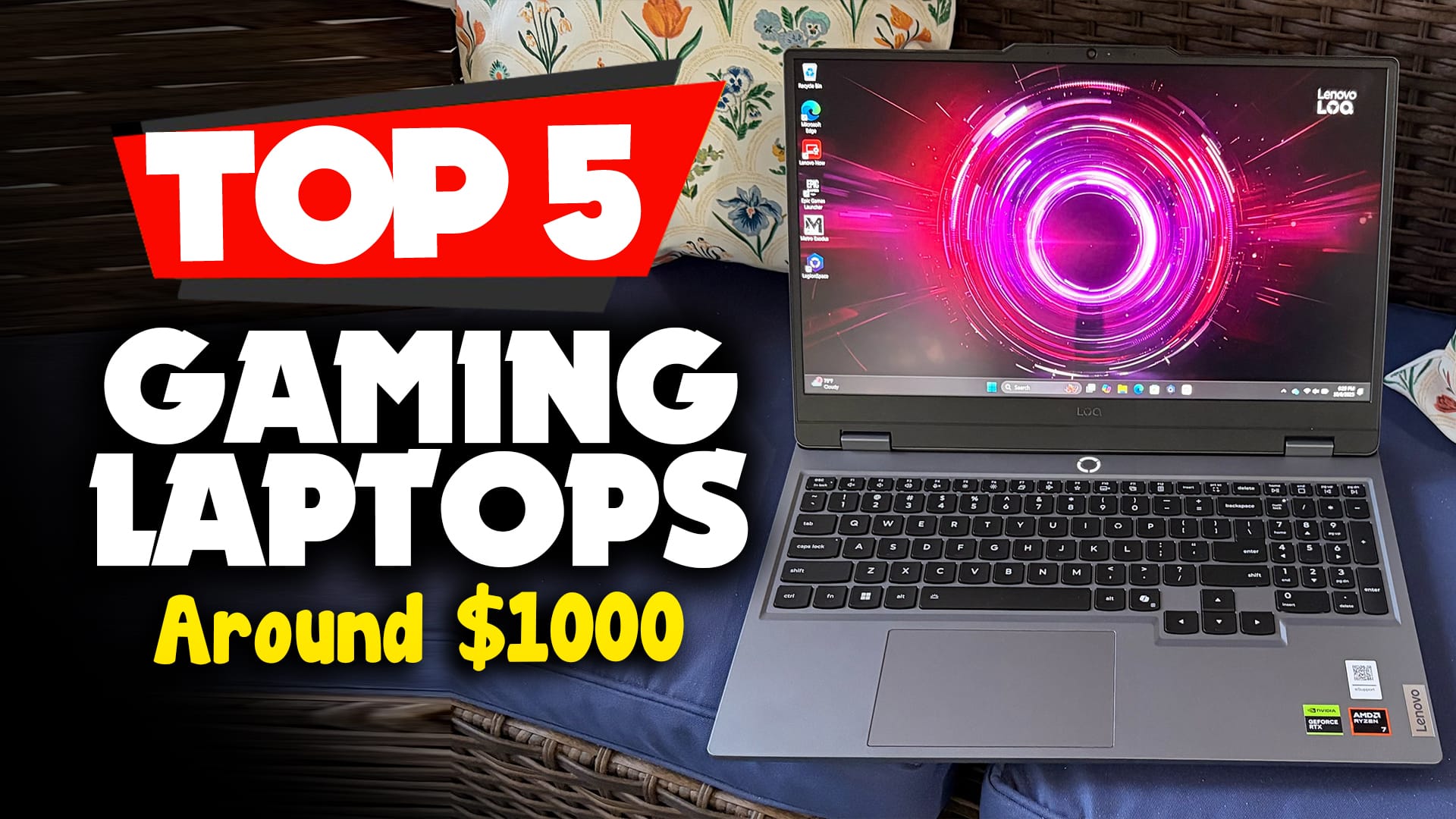
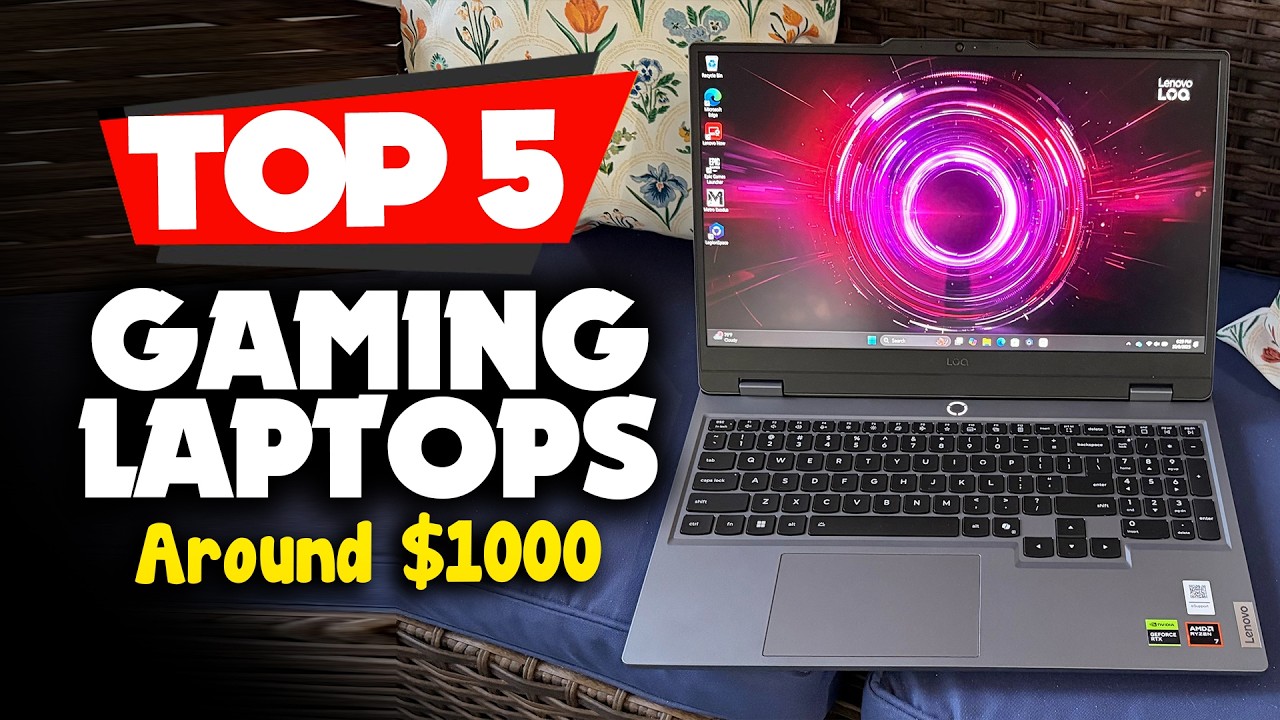
What’s up, guys? Today, we’re going to take a look at the 5 best gaming laptops under $1000 for 2026. We’re going to show you our 5 best picks and we’ll talk about whether or not you should buy them.
Gaming laptops have come a long way in just the past few years. What used to get you a weaker GTX 1650 Ti for around $1000 now gets you RTX 40-series graphics, better cooling systems, and a much smoother overall gaming experience.
That’s a huge jump in just five years, and it’s part of why gaming laptops keep getting more popular every year.
Whether you’re a student juggling classes and gaming sessions, a professional who works remotely, a frequent traveler, or someone who simply doesn’t have the space for a full desktop setup, a solid $1000 gaming laptop can genuinely do it all. You get enough power to play modern games at 1080p with medium to high settings, hit high frame rates in competitive titles, and still handle everyday productivity tasks like schoolwork, video editing, or content creation.
Don’t Waste $1000 on a Gaming Laptop Until You Read This (2026)
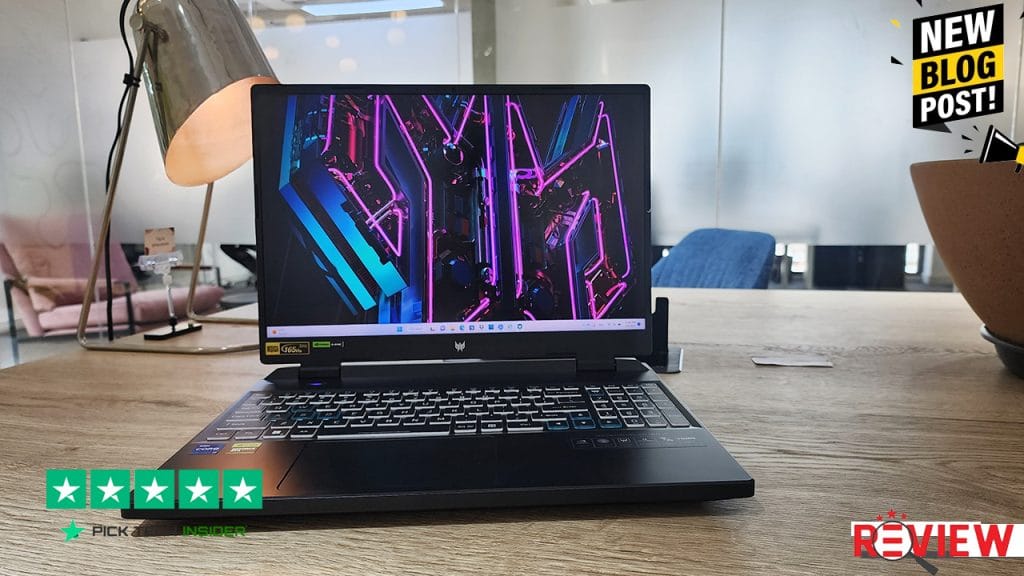
Table of Contents
We picked these five based on real-world performance, value for money, cooling, display quality, and what kind of buyer each one actually fits best. Some are great for competitive gamers chasing high refresh rates, some are built to survive years of daily wear and tear, and one in particular stands out if overheating and thermal performance matter most to you.
Okay. So let’s get started our Review.
5. ASUS TUF Gaming F15
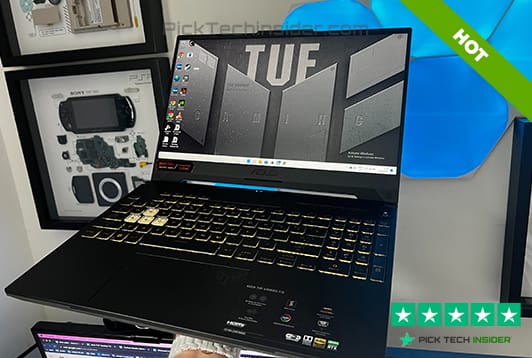
Let’s kick things off with a laptop that’s basically built like a tank, the ASUS TUF Gaming F15. This one’s for anyone who’s tough on their gear, students tossing their bag around campus, or travelers whose laptop gets knocked around more than they’d like.
The TUF F15 is known for its rugged, durable build, so it handles daily wear and tear without falling apart on you. You’re getting an Intel Core i5 or i7 paired with an RTX 4050 or 4060, 16GB of RAM, and a 144Hz display, solid numbers for smooth 1080p gaming.
Pros:
- Durable, sturdy build that survives daily travel
- Configurable up to RTX 4060
- 144Hz display for smooth gameplay
- Great for students and frequent travelers
Cons:
- Not the flashiest or most powerful option on this list
My verdict: if durability and peace of mind matter more to you than bragging rights, the TUF F15 won’t let you down.
4. Acer Nitro V
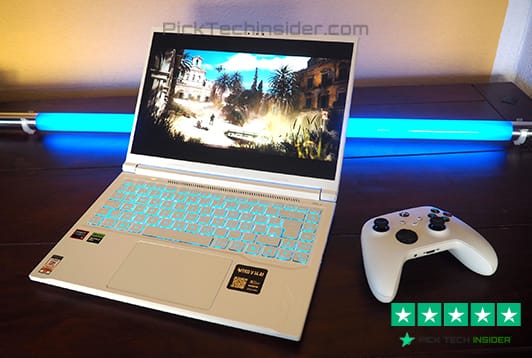
Next up is the Acer Nitro V, and if you’re working with a tighter budget, this one deserves your full attention. This laptop is all about squeezing the most performance out of every dollar you spend. You’re getting an Intel Core i5, an RTX 4050, 16GB of RAM, and a 144Hz IPS display, and honestly, for the price, that’s a really strong combo.
Where this thing really shines is competitive gaming. If you’re into esports titles where every frame counts, the RTX 4050 handles those high frame rates without breaking a sweat.
Pros:
- Excellent performance-per-dollar value
- 144Hz IPS display for smooth competitive gaming
- Strong esports performance
- 16GB RAM standard, no shortcuts here
Cons:
- Not built for maxing out the heaviest AAA titles at ultra settings
My verdict: if you want the best bang for your buck without feeling like you compromised, the Nitro V is hard to beat.
3. Lenovo LOQ 15
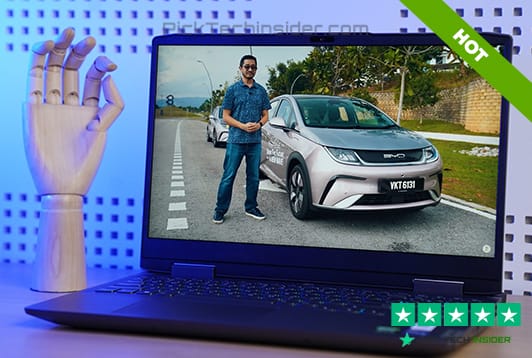
Coming in at number 3, we’ve got the Lenovo LOQ 15, and this one’s a lifesaver if you’ve ever dealt with a laptop that gets hot enough to cook an egg on. Lenovo’s LOQ series has built a real reputation for keeping temperatures under control, even during those long, marathon gaming sessions where things usually start heating up.
Under the hood, you’re looking at a Ryzen 7 processor paired with an RTX 4050, 16GB of RAM, and a 144Hz display. That Ryzen chip runs efficiently, which works hand in hand with the cooling system to keep performance steady instead of dropping off after twenty minutes of gameplay.
Pros:
- Excellent cooling and thermal management
- Efficient Ryzen 7 processor
- Consistent performance during long sessions
- Strong pick for esports and modern AAA titles at 1080p
Cons:
- Display is FHD only, not the sharpest resolution out there
My verdict: if reliability under pressure is your priority, the LOQ 15 delivers exactly that.
2. HP Victus 16
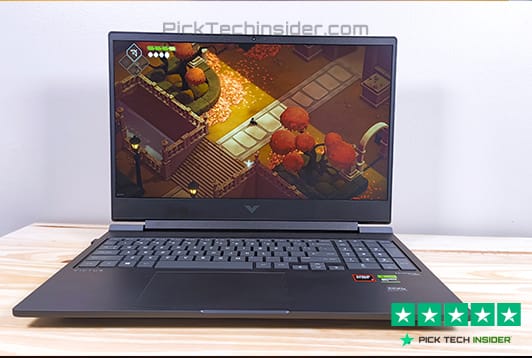
Sliding into number 2, we’ve got the HP Victus 16, and this one’s a bit of a hidden gem in the budget category. It comes packing a Ryzen 7 8845HS processor alongside an RTX 4050, 16GB of RAM, and a 512GB SSD, all wrapped up in a 16.1-inch 144Hz display. Its strong cooling helps it perform well in popular multiplayer games, which is exactly what you want if you’re spending hours grinding ranked matches or squad games with friends.
What makes this one stand out is the balance, it’s not chasing flashy extras, it just delivers a smooth, reliable gaming experience whether you’re playing competitively or just kicking back after a long day.
Pros:
- Strong cooling for consistent multiplayer performance
- Efficient Ryzen 7 processor
- Bigger 16.1-inch display, great for gaming and everyday use
- Balanced, no-frills reliability
Cons:
- HP isn’t always the first brand people think of for gaming, so it can fly under the radar
My verdict: if you want dependable performance without the flashy branding price tag, the Victus 16 quietly gets the job done.
1. Acer Predator Helios Neo 16
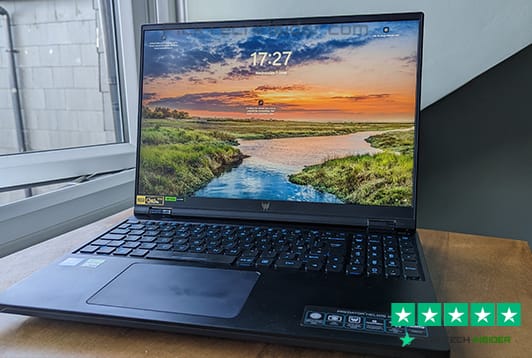
And here we are, the number 1 pick, the Acer Predator Helios Neo 16. If you want the best all-around gaming laptop under $1000, this is it. It combines an Intel Core i7-13650HX with an RTX 4060, 16GB of DDR5 RAM, and a 512GB SSD, all packed into a 16-inch WUXGA display running at 165Hz with G-SYNC. Basically, this laptop was built to handle everything you throw at it.
Whether you’re grinding competitive titles like Valorant or Counter-Strike 2 at buttery smooth frame rates, or diving into modern AAA games at high settings, this laptop keeps up without breaking a sweat. The bigger 16-inch screen also gives you extra room, great for multitasking, editing videos, or just having more space to work with.
Pros:
- Top-tier RTX 4060 graphics for high settings gaming
- Fast 165Hz G-SYNC display, buttery smooth for competitive play
- Larger 16-inch screen, great for gaming and productivity
- Strong all-around performance for gaming and everyday tasks
Cons:
- Battery life takes a hit during heavy gaming sessions, keep that charger close
My verdict: if you want the best overall performance without spending a dollar over $1000, the Predator Helios Neo 16 is the one to beat.
Final Thoughts
And that wraps up our list of the best gaming laptops under $1000 for 2026. Let’s do a quick recap. Coming in at number 5, the ASUS TUF Gaming F15 for its rugged durability. Number 4, the Acer Nitro V, our best value pick. Number 3, the Lenovo LOQ 15, the top choice if cooling and thermals matter most to you. Number 2, the HP Victus 16, a solid and dependable all-rounder. And taking the top spot, number 1, the Acer Predator Helios Neo 16, our pick for the best overall gaming laptop under $1000.
At the end of the day, all five of these laptops deliver real value for the price. The right one for you really comes down to what matters most, whether that’s raw performance, staying cool during long sessions, saving a few extra bucks, or just having something that can survive daily wear and tear.
If you’re still exploring your options, you might also want to check out our guides on the best budget gaming laptop, cheap gaming laptops with RTX graphics, and gaming laptops with the best cooling performance. We’ve also got dedicated guides for gaming laptops under $800 and gaming laptop buying mistakes to avoid, so you don’t end up wasting your money.
Thanks for reading, and we hope this guide helped you find the best gaming laptop under $1000 that fits your needs.
How to Choose the Right Gaming Laptop Under $1000
1. Prioritize the GPU Over Everything Else
The graphics card is the single most important part of any gaming laptop. It’s what renders the game and determines your frame rate and visual settings, so don’t let a shiny CPU spec distract you from a weak GPU. At the $1000 price point, you’ll mostly come across RTX 4050 and RTX 4060 options. The RTX 4060 gives you noticeably better performance and more headroom for future games, but even the RTX 4050 handles modern titles at 1080p medium-to-high settings without issue. If you have to choose between a stronger CPU or a stronger GPU, always lean toward the GPU.
2. Don’t Settle for Less Than 16GB of RAM
A few years ago, 8GB of RAM was considered fine for gaming. That’s no longer the case. Modern games, combined with background apps, Discord, and your browser running in another window, can eat through 8GB fast, leading to stuttering and slowdowns mid-game. 16GB should be your baseline in 2026. It’s enough for smooth gaming and multitasking, and it gives your laptop more staying power over the next few years as games continue to demand more resources.
3. Match the Display to How You Actually Game
A powerful GPU is wasted if your screen can’t keep up with it. If you play competitive titles like Valorant or Counter-Strike 2, a 144Hz or 165Hz display makes a real, noticeable difference, you’ll see enemies faster and your aim will feel smoother. A 60Hz panel simply can’t show you the extra frames your GPU is producing. Most laptops under $1000 now come with at least a 144Hz FHD display, and some, like the Predator Helios Neo 16, bump that up to 165Hz with a sharper WUXGA resolution for a bit more screen real estate.
4. Pay Attention to Cooling, Not Just Specs on Paper
This one gets overlooked constantly, and it’s a mistake. Gaming laptops pack a lot of powerful hardware into a small space, and if the cooling system can’t keep up, your laptop will throttle, meaning it actually slows itself down to avoid overheating.
Two laptops with the exact same GPU can perform very differently depending on how well they’re built to manage heat. Before buying, it’s worth checking real-world reviews that specifically mention thermals and sustained performance during long gaming sessions, not just the spec sheet.
5. Don’t Expect to Upgrade Later
Unlike a desktop PC, most gaming laptops don’t let you swap out the GPU or CPU down the line. In most cases, what you buy is what you’re stuck with for the life of the laptop. Because of this, it’s important to get the strongest configuration you can comfortably afford right now, rather than planning to “upgrade later.” Some models do allow you to add extra RAM or a second SSD, so if future-proofing matters to you, check whether the laptop has that flexibility before you buy.
Frequently Asked Questions
Is $1000 enough for a good gaming laptop in 2026?
Yes, absolutely. In 2026, a $1000 budget gets you a genuinely capable 1080p gaming laptop. You can expect an RTX 4050 or RTX 4060 graphics card, 16GB of RAM, and a 144Hz or higher display, more than enough to run modern AAA games at medium to high settings and hit strong frame rates in esports titles. A few years ago, this kind of performance would have cost significantly more.
Are gaming laptops under $1000 good for both gaming and everyday tasks?
Yes. Most gaming laptops in this price range aren’t just built for gaming, they handle everyday computing just as well. Whether it’s schoolwork, video calls, browsing, or even light video editing and content creation, the same hardware that powers your games also makes multitasking and productivity feel smooth. That’s part of what makes these laptops such a Best Gaming Laptops Under $1000 popular pick for students and remote workers.
RTX 4050 vs RTX 4060, which one should I choose?
Both are solid choices under $1000, but they serve slightly different needs. The RTX 4050 handles 1080p gaming well at medium to high settings and is great for esports titles where high frame rates matter most. The RTX 4060 steps things up a notch, giving you smoother performance at higher settings and a bit more headroom for demanding AAA games down the road. If your budget allows it, the RTX 4060 is the safer long-term pick.
Can I upgrade a gaming laptop later, like adding more RAM or a better GPU?
Not really, at least not the GPU or CPU. Unlike a desktop PC, most gaming laptops have their core components soldered or built into the motherboard, so they can’t be swapped out later. Some models do allow you to upgrade RAM or add a second SSD, so if future-proofing matters to you, it’s worth checking whether a laptop offers that flexibility before buying.
How long does the battery last on a Best Gaming Laptops Under $1000?
It depends heavily on what you’re doing. During actual gaming, battery life typically ranges from about 3 to 5 hours since powerful GPUs drain the battery fast. For lighter tasks like browsing, writing, or streaming video, you can expect closer to 6 to 8 hours. If battery life is a top priority for you, it’s smart to check specific reviews, since it can vary quite a bit between models.

Hridoy Taqi
CEO & Founder at HridoyTaqi
Hridoy is a strategic problem solver who drives growth and revenue through innovative SEO and digital marketing strategies. With over 2 years of experience…..