Best Gaming Monitor Under $400 for FPS Games (2026 Guide)
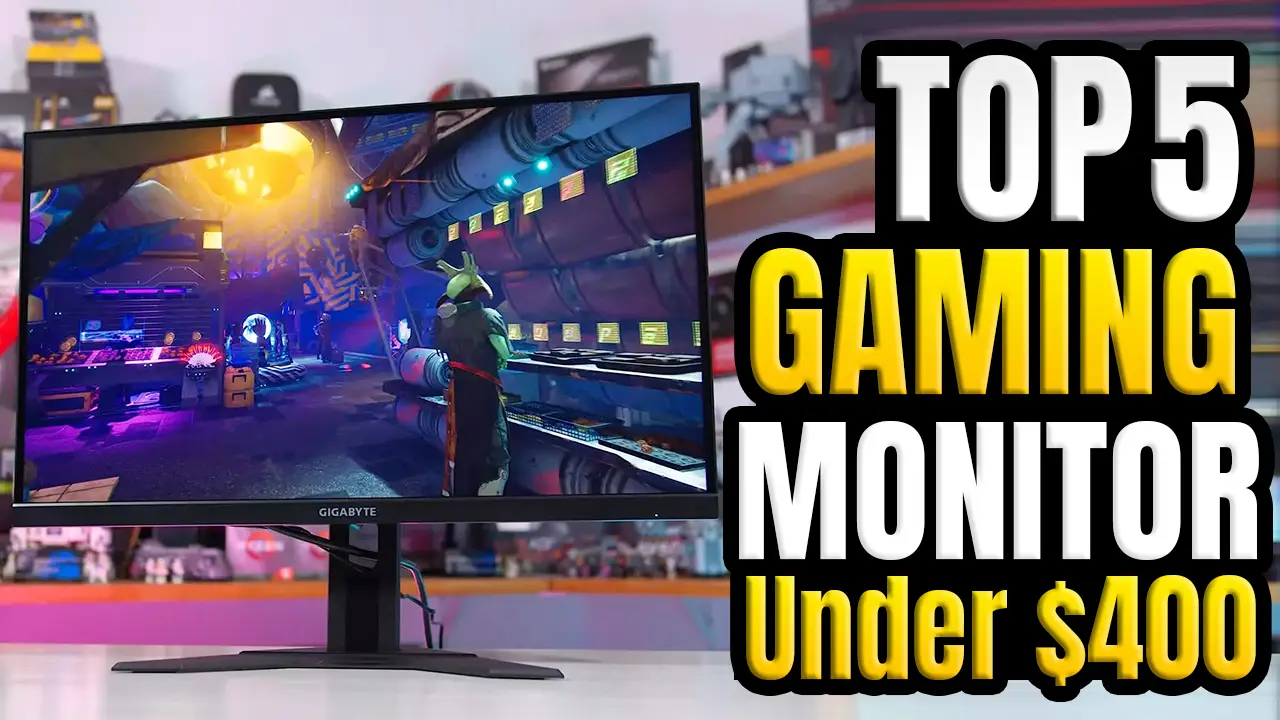
What’s up, guys? Today, we’re taking a look at the 5 best gaming monitors under $400 for FPS games in 2026. If you’re planning to upgrade your gaming setup, this is one of the best price ranges to shop in because you no longer have to choose between speed and image quality. Most monitors under $400 now offer a sharp 1440p resolution, high refresh rates of up to 240Hz, fast response times, and features like AMD FreeSync Premium or NVIDIA G-SYNC Compatible for smoother gameplay.
Whether you’re climbing the ranks in Counter-Strike 2, Valorant, Apex Legends, or Call of Duty, the right monitor can make your games feel faster, more responsive, and much more enjoyable.
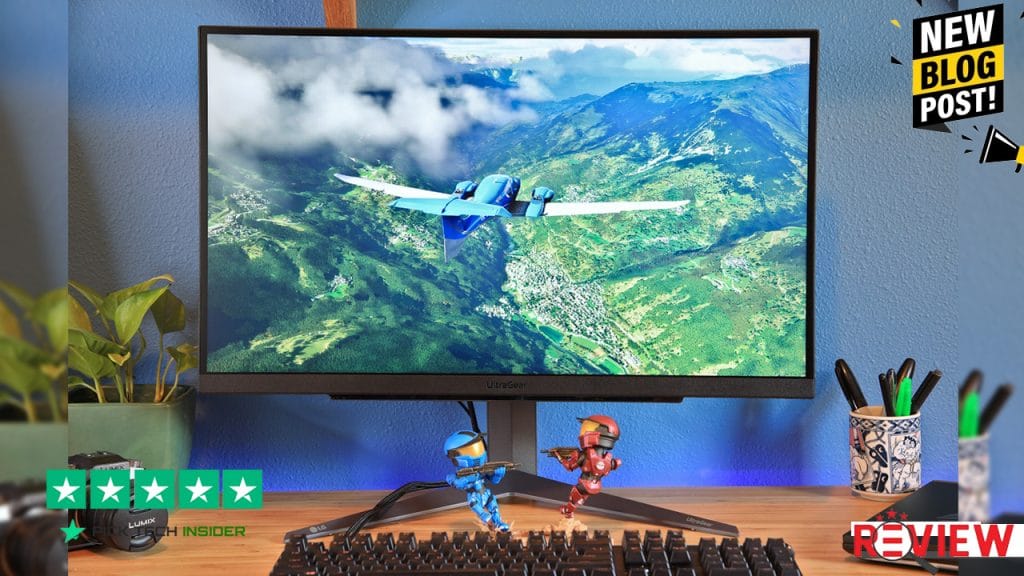
In this guide, we’ll show you our five favorite gaming monitors under $400, explain what makes each one stand out, who it’s best for, and whether it’s worth your money in 2026.
From budget-friendly performers to premium competitive displays with excellent color accuracy and motion clarity, there’s a great option here for every type of gamer. Alright, let’s get started.
5. Acer Predator XV275U / Acer Nitro XV272U
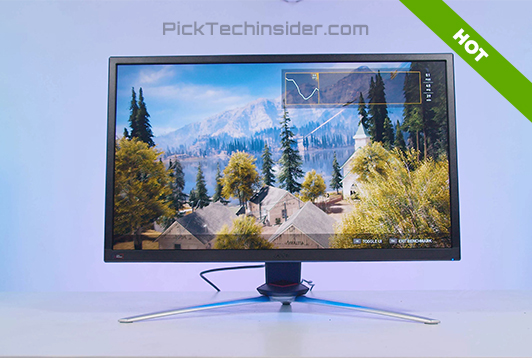
If you’re looking for a fast gaming monitor without spending close to the full $400 budget, Acer’s Predator XV275U and Nitro XV272U are excellent places to start. Both models offer a smooth 1440p gaming experience with high refresh rates, low input lag, and quick response times that feel great in fast-paced games like Counter-Strike 2, Valorant, Apex Legends, and Call of Duty.
The Fast IPS panel keeps motion clear while also producing sharp colors, so these monitors work just as well for watching videos or doing school and office work. Reviews from trusted tech sites consistently praise these displays for delivering strong gaming performance at a very competitive price.
Pros:
- Excellent value for competitive 1440p gaming
- Fast, responsive gameplay with low input lag
- Sharp image quality and good color accuracy for everyday use
Cons:
- HDR performance is fairly limited, and you may want to adjust the factory color settings for the best picture quality.
My Verdict: If you want one of the best budget-friendly high refresh rate monitors for FPS games, Acer’s Predator and Nitro series are easy to recommend and leave room in your budget for other PC upgrades.
4. ASUS TUF Gaming VG27AQ Series
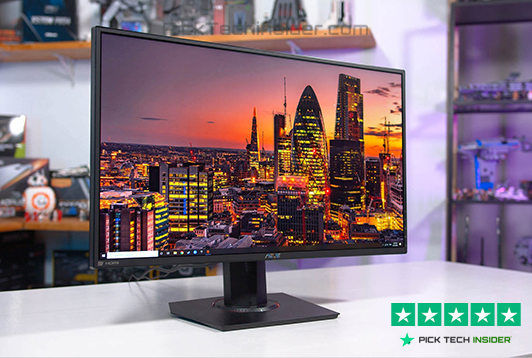
If you want a gaming monitor that delivers excellent performance without stretching your budget, the ASUS TUF Gaming VG27AQ Series is a fantastic choice. It has earned a strong reputation among PC gamers thanks to its smooth gameplay, dependable build quality, and gaming-focused features. With its fast IPS panel and high refresh rate, everything from quick flick shots in Valorant to intense firefights in Call of Duty feels responsive and fluid.
ASUS also includes ELMB Sync, which helps reduce motion blur while keeping Adaptive Sync enabled—a feature many competitive players appreciate. Beyond gaming, the monitor offers good color accuracy, making it a solid option for streaming, content creation, or everyday work.
Pros:
- Great value with excellent gaming performance
- ELMB Sync improves motion clarity during fast action
- Durable design with a fully adjustable ergonomic stand
Cons:
- HDR performance is basic, and factory color settings may need a little tweaking for the best picture quality.
My Verdict: If you’re looking for one of the best all-around gaming monitors under $400, the ASUS TUF VG27AQ Series delivers reliable performance, great features, and outstanding value that’s hard to beat.
3. AOC Q27G3XMN
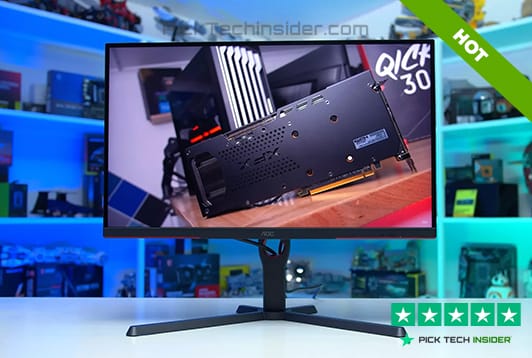
If you’re the kind of gamer who enjoys competitive FPS games but also wants stunning visuals in story-driven titles, the AOC Q27G3XMN is one of the most impressive monitors you can buy under $400. Its Mini-LED backlighting delivers much deeper blacks, brighter highlights, and a noticeably better HDR experience than most monitors in this price range.
Games like Cyberpunk 2077, Alan Wake 2, and Black Myth: Wukong look incredibly vibrant, while the 180Hz refresh rate still keeps gameplay smooth enough for fast shooters like Apex Legends and Battlefield. It’s a great monitor for gamers who want both speed and visual quality instead of choosing one over the other.
Pros:
- Outstanding HDR performance with Mini-LED technology
- Deep contrast and impressive brightness for immersive gaming
- Great balance between competitive gaming and cinematic visuals
Cons:
- Like most VA-panel monitors, you may notice a little black smearing in very fast-moving scenes, especially in dark environments.
My Verdict: If picture quality matters just as much as fast gameplay, the AOC Q27G3XMN is one of the easiest monitors to recommend in this price range.
2. LG UltraGear 27GR83Q-B
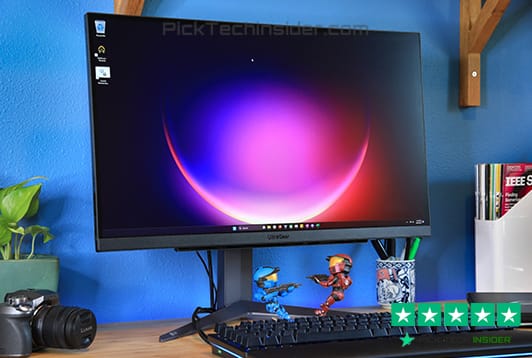
If competitive FPS gaming is your main focus, the LG UltraGear 27GR83Q-B is one of the strongest choices you can make for under $400. Its 240Hz refresh rate and Nano IPS panel deliver a fast, responsive feel that really shines in games like Counter-Strike 2, Valorant, Overwatch 2, and Rainbow Six Siege. Motion stays clean during quick flicks and fast tracking, making it easier to stay focused in intense matches.
At the same time, the monitor produces rich, accurate colors, so it’s just as enjoyable for watching videos, editing photos, or playing story-driven games after your ranked sessions. LG’s UltraGear lineup also has a long-standing reputation for reliability, making this a safe investment for years of gaming.
Pros:
- Outstanding motion clarity for competitive FPS games
- Vibrant Nano IPS colors with excellent viewing angles
- 240Hz refresh rate with FreeSync Premium and G-SYNC Compatible support
Cons:
- HDR performance is fairly basic, so it won’t deliver the same impact as Mini-LED or OLED displays.
My Verdict: If your goal is fast, consistent performance in competitive games, the LG UltraGear 27GR83Q-B is one of the best gaming monitors you can buy without spending a fortune.
1. Gigabyte M27Q X
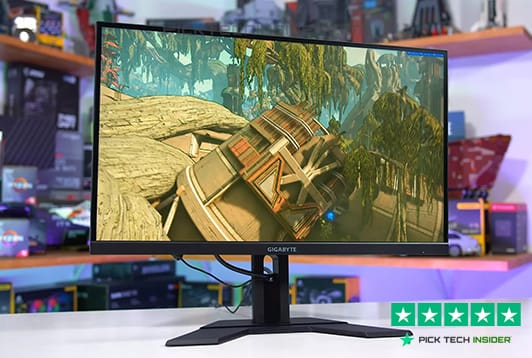
Taking the top spot is the Gigabyte M27Q X, and it’s easy to see why it’s one of the most recommended gaming monitors under $400. It strikes an excellent balance between speed, image quality, and everyday usability. The 240Hz Fast IPS panel feels incredibly smooth in fast-paced games like Counter-Strike 2, Valorant, Apex Legends, and Call of Duty, while the sharp 1440p resolution makes everything from open-world adventures to video editing look fantastic.
One feature that really stands out is the built-in KVM switch, which lets you control two devices with the same keyboard and mouse—perfect if you switch between a gaming PC and a laptop. Add USB-C connectivity, low input lag, and an ergonomic stand, and you have a monitor that’s just as useful for work as it is for gaming.
Pros:
- Excellent all-around performance for both competitive and casual gaming
- Smooth 240Hz Fast IPS panel with sharp 1440p visuals
- Built-in KVM switch, USB-C, and a fully adjustable ergonomic stand
Cons:
- HDR performance is fairly basic, so it doesn’t provide the deep contrast and brightness you’ll get from Mini-LED or OLED displays.
My Verdict: If you want the best overall gaming monitor under $400, the Gigabyte M27Q X is the complete package. It delivers outstanding gaming performance, great features, and long-term value that’s hard to beat.
Final Thoughts
That wraps up our guide to the Best Gaming Monitor Under $400 for FPS Games (2026 Guide). The good news is that you don’t have to spend a premium price to get a monitor that feels fast, responsive, and ready for competitive gaming. In this price range, you can find excellent 1440p displays with high refresh rates, low input lag, and the features that matter most for FPS players.

If you’re looking for the Best Overall pick, the Gigabyte M27Q X is our top recommendation. It combines a 240Hz refresh rate, excellent color accuracy, USB-C, a built-in KVM switch, and outstanding all-around performance, making it the best choice for most gamers.
If your priority is Competitive FPS Gaming, the LG UltraGear 27GR83Q-B stands out with its superb motion clarity, Nano IPS panel, and incredibly responsive gameplay.
For gamers who enjoy both competitive shooters and visually stunning single-player games, the AOC Q27G3XMN is the clear winner thanks to its Mini-LED backlighting and impressive HDR performance.
If you’re trying to save money without giving up a great gaming experience, the ASUS TUF Gaming VG27AQ Series and Acer Predator XV275U / Nitro XV272U both deliver excellent value and smooth high-refresh-rate gameplay.
Before you make your final decision, think about the games you play most often, the graphics card in your PC, and whether you want the fastest refresh rate or the best picture quality. Choosing the right monitor for your setup will give you a smoother gaming experience and keep your system feeling competitive for years to come.
We hope this Best Gaming Monitor Under $400 for FPS Games (2026 Guide) helped you find the perfect display for your gaming setup. Be sure to check out our other gaming hardware guides, where we compare the latest monitors, graphics cards, gaming laptops, and PC components to help you get the best value for your money.
How to Choose the Right Gaming Monitor Under $400 for FPS Games
Buying a gaming monitor isn’t just about getting the highest refresh rate. The best monitor is the one that matches your gaming style, graphics card, and budget. Here are the most important things to consider before making your purchase.
1. Choose the Right Resolution and Refresh Rate
For most gamers, 1440p at 180Hz to 240Hz is the sweet spot under $400. It offers much sharper visuals than 1080p while still delivering the high frame rates needed for competitive games. If your PC has a modern mid-range or high-end GPU, such as an RTX 4070, RTX 5070, RX 7800 XT, or RX 9070, you’ll be able to take full advantage of these monitors.
If your system struggles to reach high frame rates, buying a 240Hz monitor won’t provide its full benefit until you upgrade your hardware.
2. Pick the Right Panel Type
The panel technology has a big impact on your gaming experience.
- Fast IPS panels are the best choice for most FPS players because they offer excellent motion clarity, accurate colors, and wide viewing angles.
- Mini-LED monitors deliver much better HDR performance, deeper blacks, and higher brightness, making them ideal if you also enjoy cinematic single-player games.
- OLED monitors provide incredible contrast and near-instant response times, but they usually cost more than $400 and may not be the best option for users who display static content for long periods.
Choose the panel that fits the types of games you play most often.
3. Look for Adaptive Sync and Modern Connectivity
A quality gaming monitor should support AMD FreeSync Premium or NVIDIA G-SYNC Compatible to reduce screen tearing and stuttering when your frame rate changes.
It’s also worth checking for DisplayPort 1.4, HDMI 2.1, and useful extras like USB-C or a KVM switch if you use both a desktop PC and a laptop. These features improve compatibility and make the monitor more useful for work, school, and content creation.
4. Don’t Overlook Ergonomics and Color Quality
A monitor you’ll use every day should be comfortable as well as fast. Look for a stand that supports height, tilt, swivel, and pivot adjustments so you can position the screen correctly during long gaming sessions.
If you also edit photos, create videos, or stream, choose a monitor with good factory color accuracy and wide color gamut coverage. A display that performs well in both gaming and creative work gives you much better long-term value than one built only for speed.
Frequently Asked Questions (FAQ)
1. What is the best gaming monitor under $400 for FPS games in 2026?
The best overall choice depends on your priorities, but for most gamers, a 27-inch 1440p Fast IPS monitor with a 240Hz refresh rate offers the ideal balance of speed, image quality, and value. Monitors like the Gigabyte M27Q X and LG UltraGear 27GR83Q-B are excellent options because they combine low input lag, fast response times, Adaptive Sync support, and sharp 1440p visuals for both competitive and casual gaming.
2. Is a 240Hz monitor worth it for FPS games?
Yes, if your PC can consistently produce high frame rates. A 240Hz monitor provides smoother motion, lower perceived input lag, and better responsiveness than 144Hz or 165Hz displays. Games like Counter-Strike 2, Valorant, Overwatch 2, and Rainbow Six Siege benefit the most, especially when paired with a powerful graphics card and CPU.
3. Should I choose a Fast IPS or Mini-LED gaming monitor?
It depends on how you play.
- Fast IPS is the better choice for competitive FPS games because it offers excellent motion clarity, fast response times, and accurate colors.
- Mini-LED is ideal if you also enjoy cinematic single-player games thanks to its superior HDR performance, deeper blacks, and higher brightness.
For most esports players, Fast IPS remains the most balanced option.
4. Do I need HDMI 2.1 or DisplayPort for high refresh rate gaming
Both can work well, but DisplayPort is generally the preferred connection for PC gaming because it reliably supports high refresh rates at 1440p and works seamlessly with Adaptive Sync technologies like AMD FreeSync Premium and NVIDIA G-SYNC Compatible. If your monitor and graphics card support HDMI 2.1, it is also an excellent option, especially for newer gaming PCs and consoles.
5. Can my graphics card handle a 1440p 240Hz gaming monitor?
That depends on your hardware. Modern GPUs such as the GeForce RTX 4070, RTX 5070, Radeon RX 7800 XT, and RX 9070 are well suited for high-refresh-rate 1440p gaming in many modern titles. If you’re using an older graphics card like a GTX 1650 or RTX 2060, the monitor will still work perfectly, but you may not reach the frame rates needed to fully benefit from a 240Hz display in demanding games. Upgrading your GPU will help you get the most from your monitor.

Hridoy Taqi
CEO & Founder at HridoyTaqi
Hridoy is a strategic problem solver who drives growth and revenue through innovative SEO and digital marketing strategies. With over 2 years of experience…..